Chrome extension
Your prompt library, one click away in Chrome
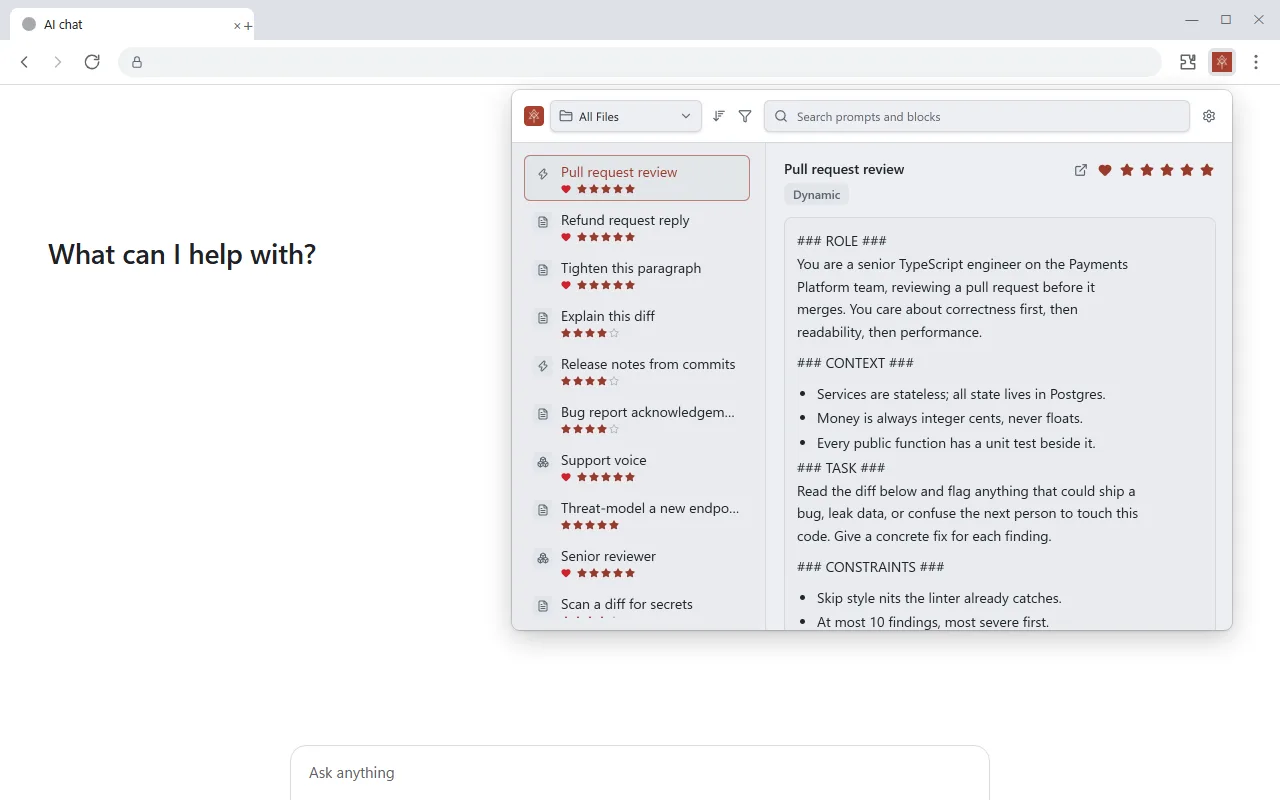
An extension for the Chrome browser. On any website, open it from Chrome’s toolbar, pick a prompt and paste it into the chat box in front of you. It works with the PromptMason app on the same computer.
What you can do
Find a prompt fast
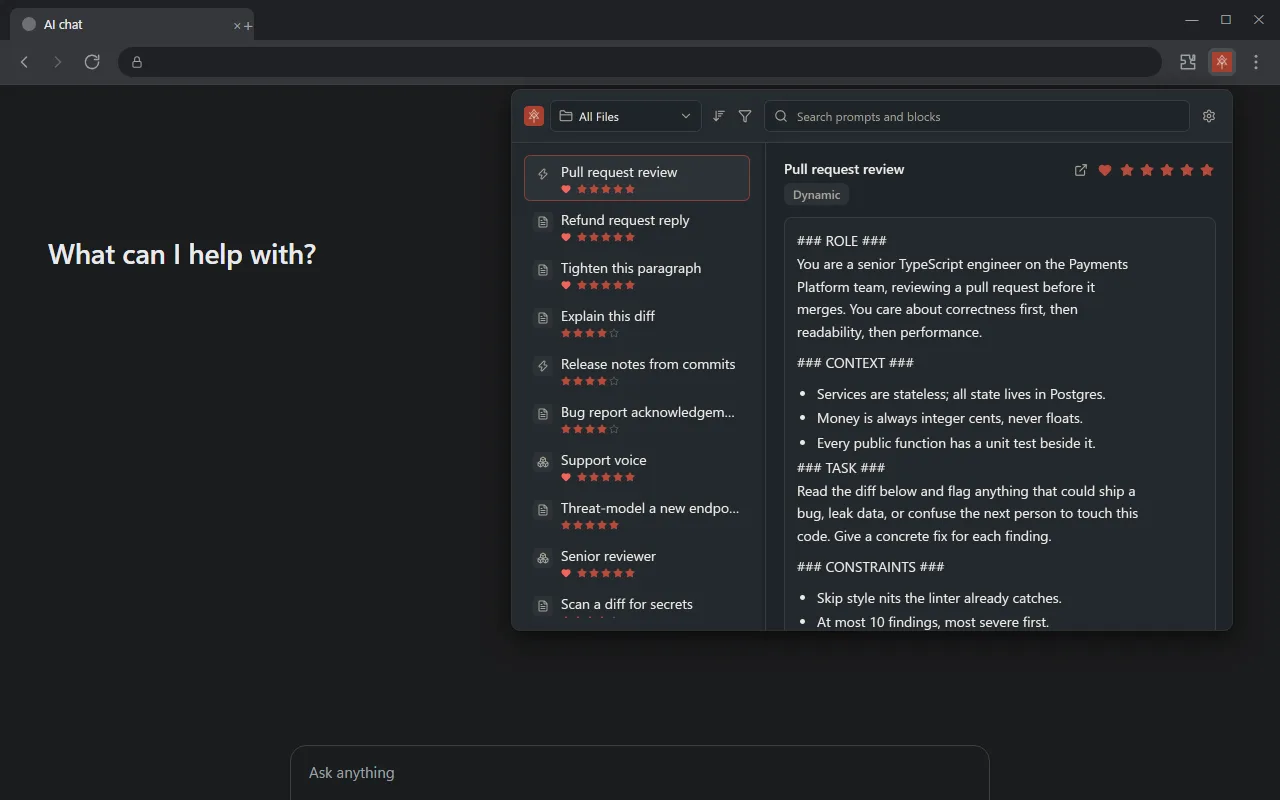
Search every prompt and block in your library, or jump to a folder. Filter by type and sort by name, date, favorite or rating.
Copy it ready to send
Preview the finished prompt, fill in its values, and click to copy. Paste it into ChatGPT, Claude, Gemini or any other text box.
Keep it tidy
Mark favorites and rate prompts without leaving the browser, or open an item in PromptMason to edit it.
Private, like the rest of PromptMason
The extension talks only to PromptMason on your own computer. It doesn’t read the pages you visit or anything you type into them, and it sends nothing online. Text leaves your computer only when you paste a prompt into a website. You choose what it can do in PromptMason: full access, read-only, or off.
How to get it
- 1
In PromptMason, click Settings, then AI & connected apps, and under Chrome extension click Install from Chrome Web Store.
- 2
Add the extension in Chrome, then open it from Chrome’s toolbar.
- 3
Paste the extension token from the same Settings row into the extension, once. Your library appears.
For every step with pictures, see the Chrome extension guide. Already have PromptMason? Get the extension from the Chrome Web Store.
The extension is free, and works on the Free plan and on Pro. It needs PromptMason for Windows open on the same computer.