Dynamic prompts
Build prompts from blocks you write once
Your best prompts share the same pieces: who the AI should be, what it needs to know about your work, how the answer should look. Keep each piece as a block, build prompts from them, and improve every prompt at once.
How it works
Write a block once
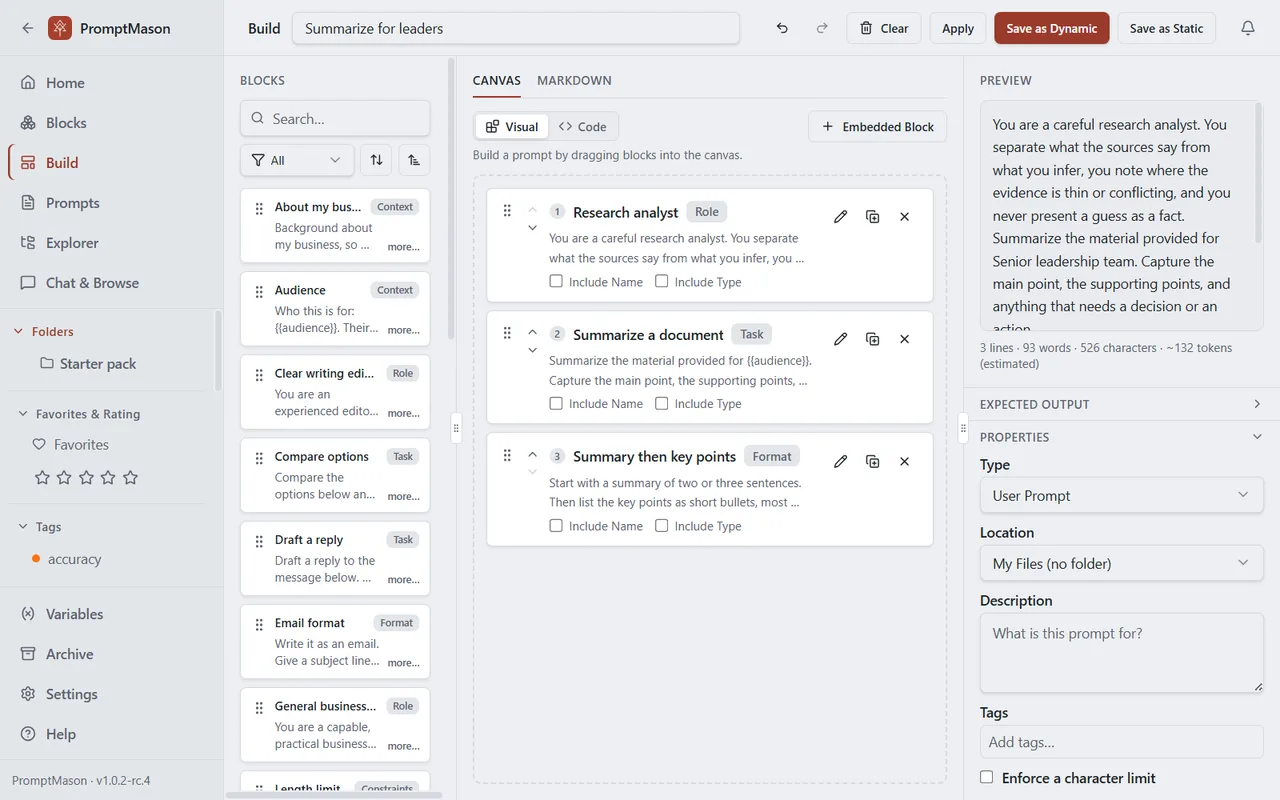
A block is one reusable piece of a prompt: a role, background about your work, a task, a format, a rule. Give it a name and a type, and keep it in your library.
Drag blocks into a prompt
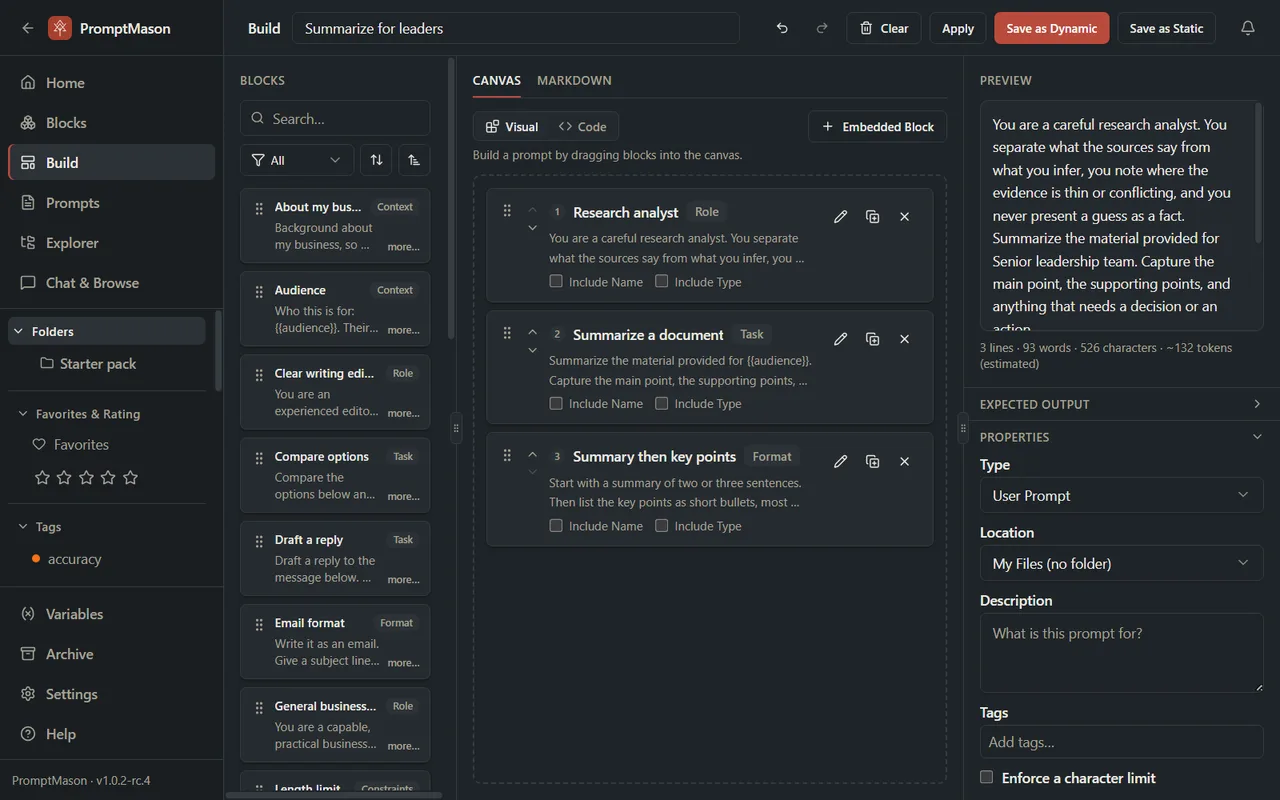
On the Build screen, drag blocks onto the canvas and put them in order. The preview shows the finished prompt as you go.
Fix a block, fix every prompt
A dynamic prompt stores which blocks it uses, not their text. Change a block and every dynamic prompt that uses it has the new text the next time you view or copy it.
More than copy and paste
Fill-in-the-blanks values
Write {{company}} or {{deadline}} in a block. Save a value once and it goes in everywhere, or have PromptMason ask for it each time you copy.
See what uses a block
Before you change a block, its Used by list shows every prompt that will change with it.
Static when you want it
Save as Static keeps a prompt as fixed text that no longer follows its blocks, for the times a prompt must stay exactly as it is.
Ready wherever you work
Copy the finished prompt into any AI tool, run it in PromptMason’s Chat, or let Claude or Cursor use it through the built-in MCP server.
Start with ready-made blocks
Starter packs come built in, and the prompt library has free packs of blocks and prompts for professions and industries. The same blocks can also become an AI Skill.
For every step with pictures, see Build a prompt and Static prompts, dynamic prompts and documents.